Start here
Free
$0
- Dictation in every app
- Captioned videos, with a small mark
- Your own Google key
Version 1.10.0 · 1.3 MB · Windows 10 and 11 · SHA-256 10fd74448abad7396eca038924110fa6d997bd97d7ae235507340141ec16b6dd
Make it once, post it to your own accounts on
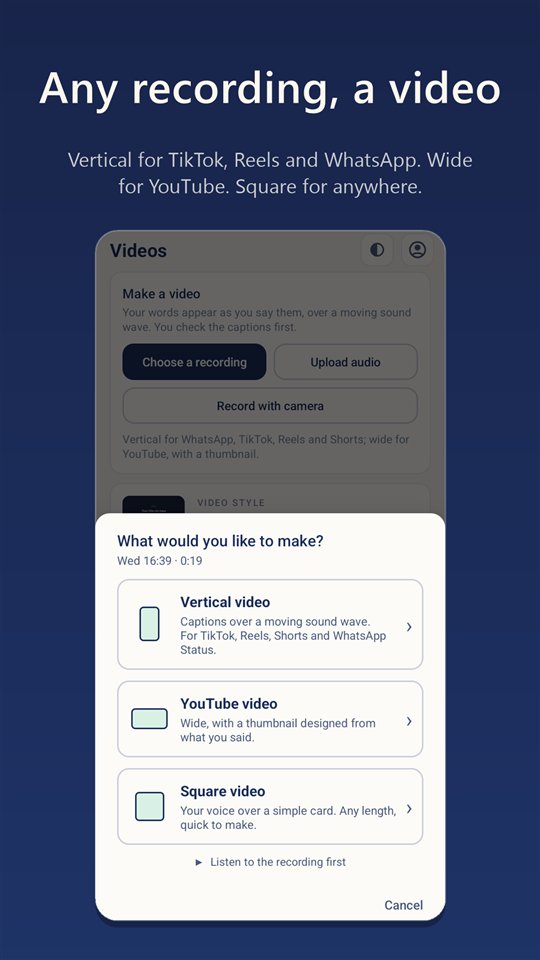
Most dictation apps stop at the text. Nzura Flow carries your voice all the way: typed where you work, written up, filmed, captioned and posted.
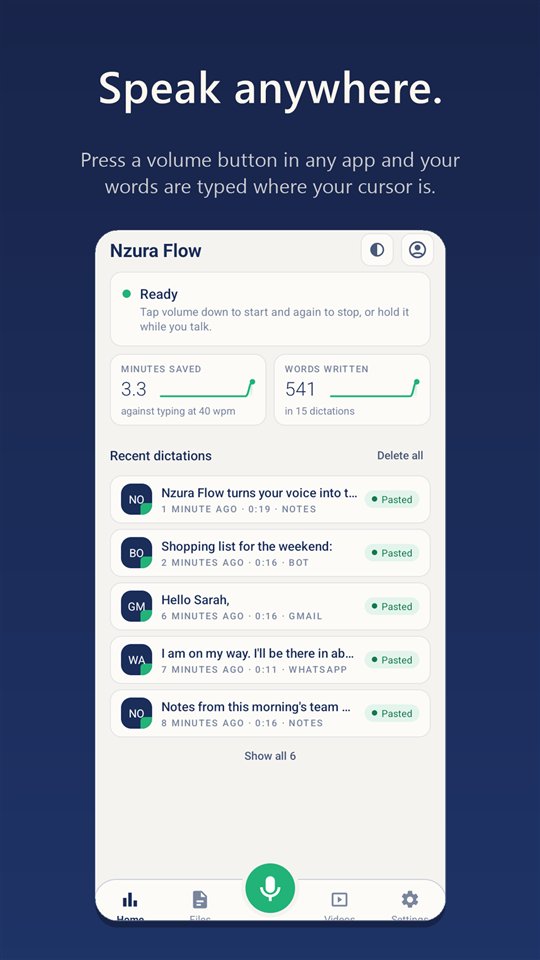
Press the phone's volume button or hold your PC shortcut, speak, and the text is typed where your cursor is, punctuated, with the filler taken out. It is not a separate notes app you copy from.
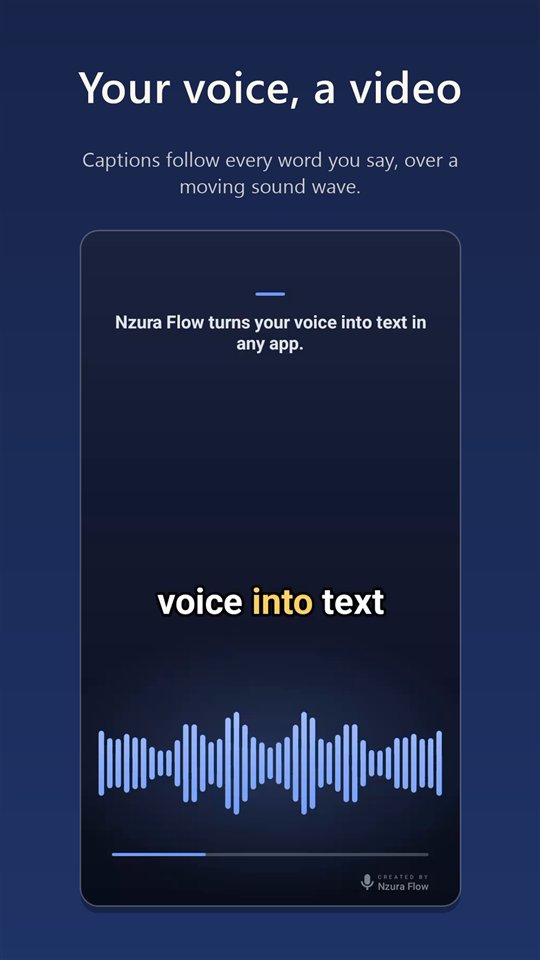
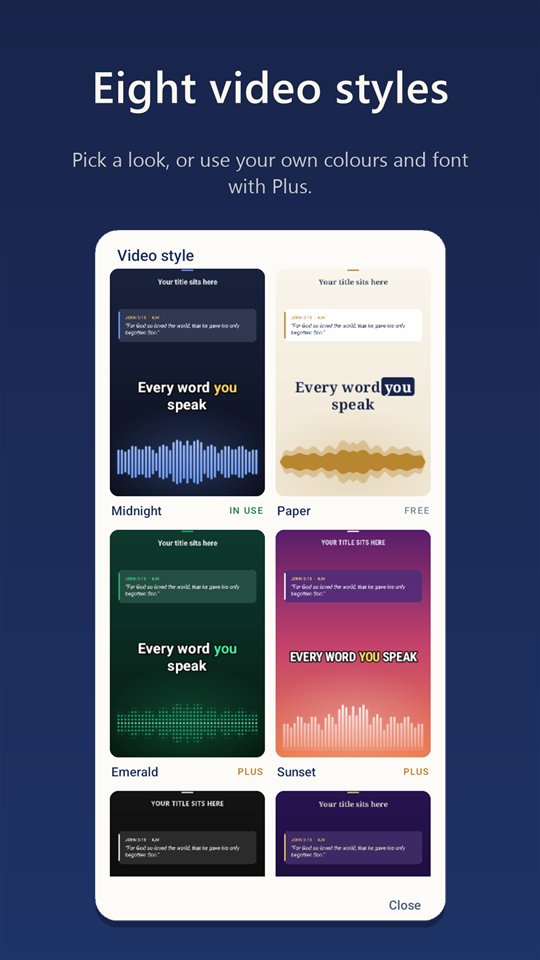
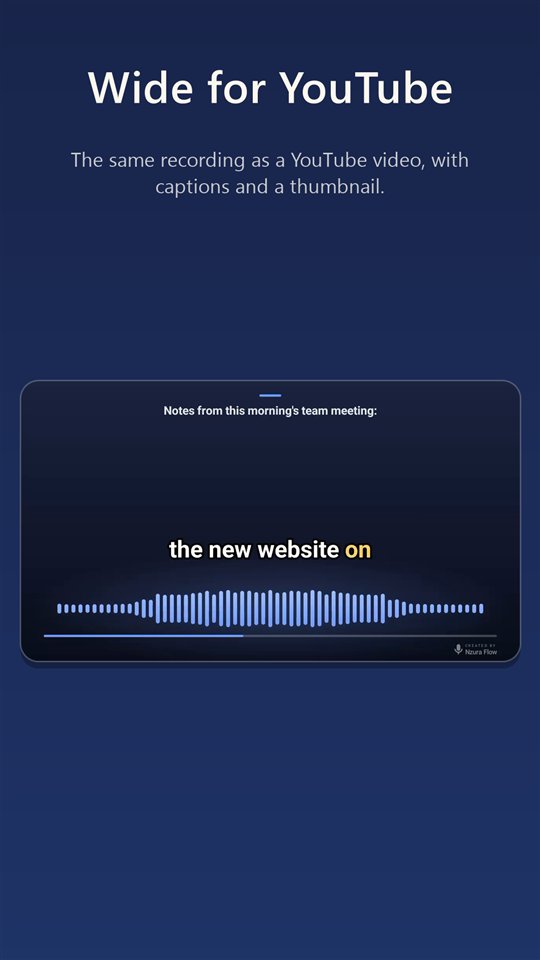
Any recording becomes a video with the words appearing as you say them. Record with the camera and you are framed and lit automatically. Eight styles; vertical, wide or square.
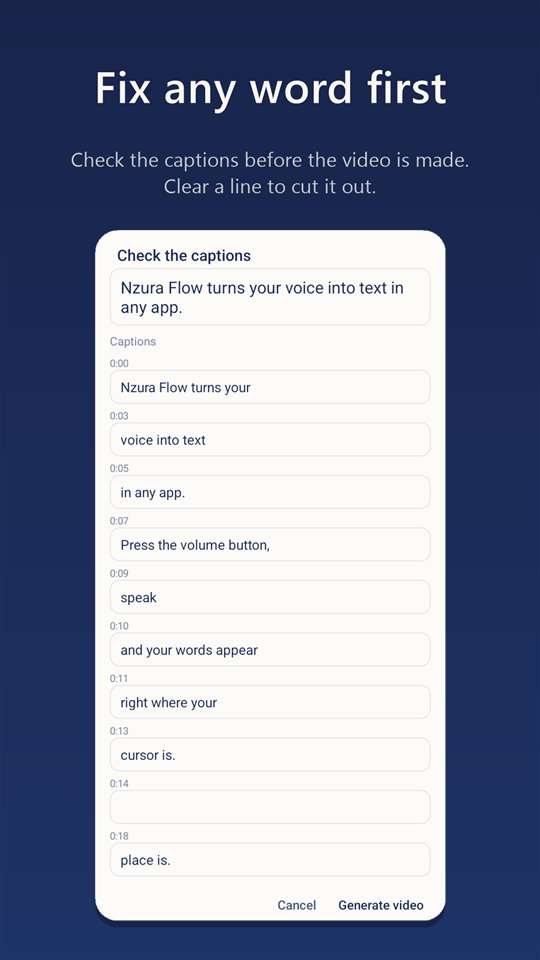
Read and correct the captions first. Clear a line and that part is cut out of the video, sound included. Bible verses you mention appear as scripture cards while you speak about them.
Answer someone else's video: theirs plays in the frame, you speak beside it, and both are captioned.
A title and a thumbnail are designed from what you actually said, and an instrumental soundtrack can be made to fit the video's length.
Send the finished video to YouTube, TikTok, Instagram, Facebook, X, Threads and LinkedIn, or hand it to WhatsApp, each with its own title, caption and privacy.
Turn a dictation or a voice note into a WhatsApp post or an article, in your words and your language.
Give it a voice note or an audio file and get the text, ready to copy or share.
Recordings stay on your phone or PC and are deleted after a day. Nothing you say is stored on our servers.
Swahili, English and many other languages, even mixed in one sentence. Each word is written in the language you said it in. Your own word list keeps names and terms spelled your way.
Dictate, write up, make the video, add the thumbnail and soundtrack, post to seven platforms. No editor, no caption tool, no scheduler to stitch together.
The whole Windows app is a 1.3 MB download, and the Android app about 2 MB. No ads, no background updater, nothing to install first.
The same features on Android and Windows, and a plan bought on one works on the other.
Free for good with your own Google key. On the PC you can pay by mobile money or card; on the phone, through Google Play.
With your own key your audio goes only to Google's Gemini to be transcribed; Nzunda Technologies never receives it.
Free with your own Google Gemini key, which Google gives free. No ads, ever.
Recordings stay on your device and are deleted after a day. With your own Google key, your audio and text go only to Google's Gemini to be transcribed; Nzunda Technologies never receives them.
With Nzura Flow Pro you need no key: you sign in with Google, your subscription is checked with Google Play, and your dictation is passed to Google's Gemini to be transcribed. None of your audio or text is kept.
Nzura Flow types it, films it and posts it.
Post your videos to your own accounts
On the Social page you can connect your own YouTube, TikTok, Instagram, Facebook, Threads and LinkedIn accounts. When you tap Post, Nzura Flow uploads the video you chose to the accounts you ticked, with the title, caption and privacy you set. For YouTube it asks Google for permission to upload videos to your channel and to read your channel's name, nothing more, and uses it only for the videos you post. You can disconnect at any time.